Loading GeoTiff into GeoPackage
In this section you will use the GDAL_TRANSLATE utility to create a GeoPackage layer starting from a GeoTiff image.
gdal_translate -of GPKG <input-file>.tif <output-file>.gpkg
Example
Open the gdal shell
Move to the user_data directory:
(Linux)
cd ${TRAINING_ROOT}/data/user_data directory

or

(Windows)
cd %TRAINING_ROOT%\data\user_data directory
Run:
gdal_translate -of GPKG bmreduced.tiff countries.gpkg -co APPEND_SUBDATASET=YES -co RASTER_TABLE=bmreduced -co TILE_FORMAT=JPEGgdaladdo -r cubic -oo TILE_FORMAT=JPEG countries.gpkg 2 4 8 16 32 64Check the GeoPackage with a GIS client (eg. QGIS):
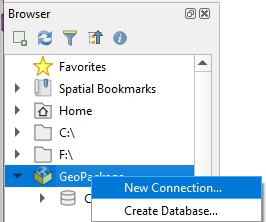
From the Browser panel right click the GeoPackage section and click “New connection…”
Browse the filesystem and select the created countries.gpkg database
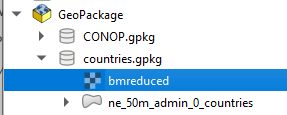
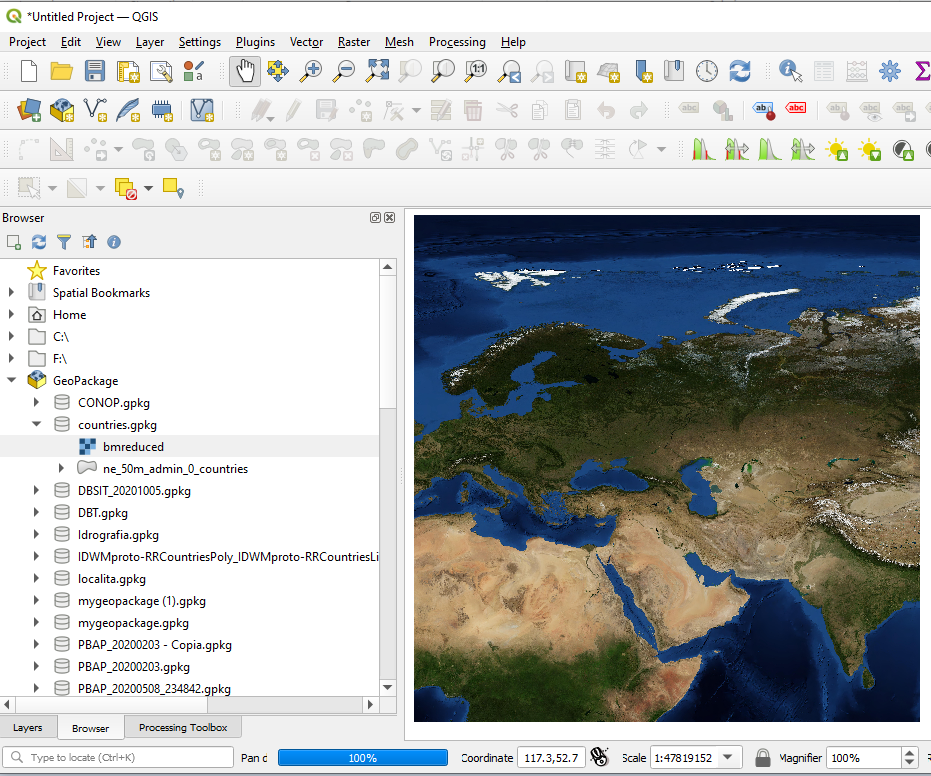
Add the layer named bmreduced into the Map canvas: