This section contains a number of examples which illustrate various uses of the REST data configuration API.
The GeoServer REST configuration module uses the REST principles to expose services allowing to edit the catalog, in particular to manage workspaces, stores, layers, styles and groups.
The examples in this section use the cURL utility, which is a handy command line tool for executing HTTP requests and transferring files.
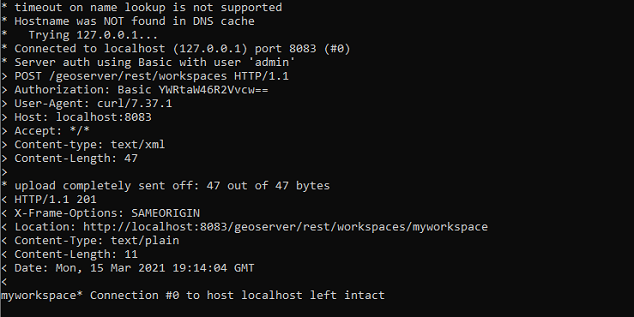
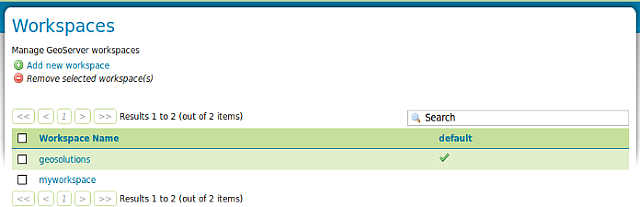
Open the Terminal, execute curl_shell.bat located in the $geoserver_data (%geoserver_data% in Windows) directory and enter the following command:
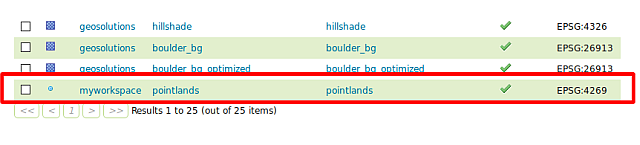
If you previously followed the security portion of the workshop the layer won’t be accessible because the administrator does not have the required roles. Go back in the service security section and remove the rule limiting the GetMap requests.
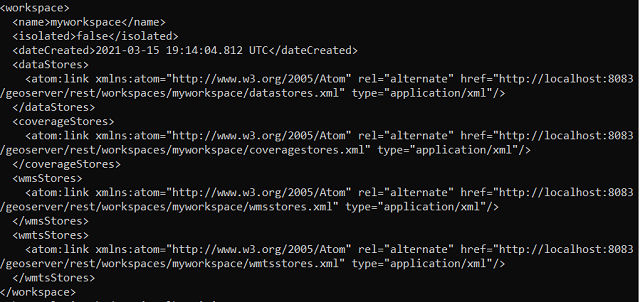
Retrieves the created data store as XML entering the following:
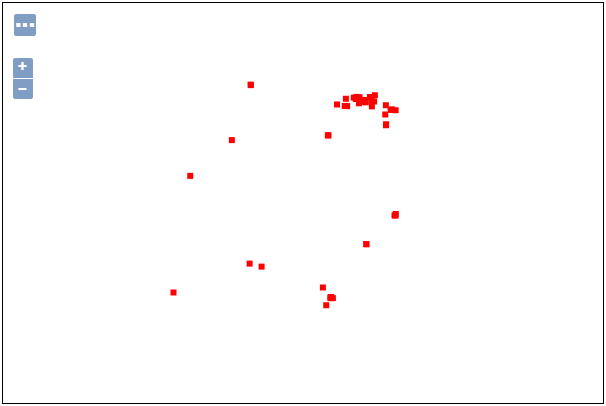
When the layer is created a default style named point is assigned to it.
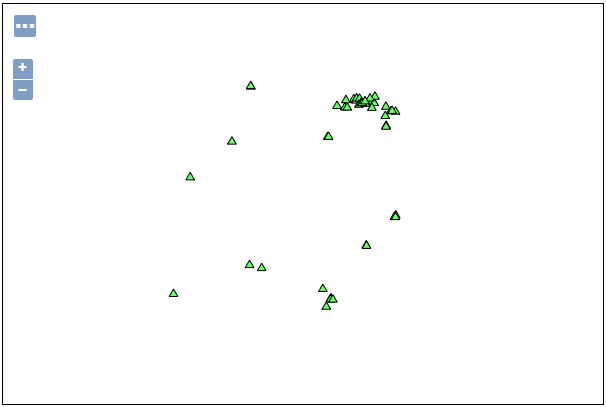
Create a new style named landmarks with the following SLD (using the GeoServer Admin UI):
<?xml version="1.0" encoding="ISO-8859-1"?><StyledLayerDescriptorversion="1.0.0"xsi:schemaLocation="http://www.opengis.net/sld StyledLayerDescriptor.xsd"xmlns="http://www.opengis.net/sld"xmlns:ogc="http://www.opengis.net/ogc"xmlns:xlink="http://www.w3.org/1999/xlink"xmlns:xsi="http://www.w3.org/2001/XMLSchema-instance"><!-- a Named Layer is the basic building block of an SLD document --><NamedLayer><Name>default_point</Name><UserStyle><!-- Styles can have names, titles and abstracts --><Title>DefaultPoint</Title><Abstract>Asamplestylethatdrawsapoint</Abstract><!-- FeatureTypeStyles describe how to render different features --><!-- A FeatureTypeStyle for rendering points --><FeatureTypeStyle><Rule><Name>rule1</Name><Title>RedSquare</Title><Abstract>A6pixelsquarewitharedfillandnostroke</Abstract><PointSymbolizer><Graphic><Mark><WellKnownName>triangle</WellKnownName><Fill><CssParametername="fill">#66FF66</CssParameter></Fill><Stroke><CssParametername="stroke">#000000</CssParameter></Stroke></Mark><Size>10</Size></Graphic></PointSymbolizer></Rule></FeatureTypeStyle></UserStyle></NamedLayer></StyledLayerDescriptor>
Apply the existing landmarks style to the layer created myworkspace:pointlands (this operation does not overwrite the entire layer definition, updates it instead):