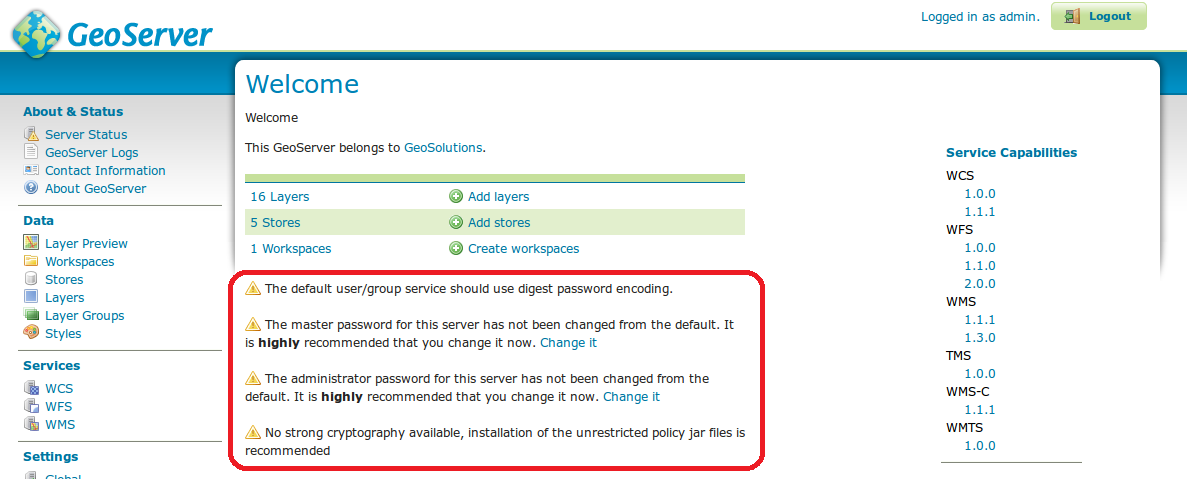
When accessing to GeoServer GUI for the first time a list of warnings will appear on the WelcomePage. These warnings are related to security issues and the GeoServer Administrator must handle them in order to setup a Production Installation.
The WelcomePage, the warnings are those within the red box.
Before discussing the reasons behind these warnings and how to deal with them, let’s give a look to the password management functionalities provided by GeoServer.
Passwords are a central aspect of any security system. A GeoServer configuration stores two types of passwords:
Passwords for user accounts to access GeoServer resources
Passwords for accessing external services such as databases and cascading OGC services
As these passwords are typically stored on disk it is strongly recommended that they are encrypted and not stored as human-readable text. GeoServer security provides four schemes for encrypting passwords: empty, plain text, Digest, and Password-based encryption (PBE).
The Digest encryption is not reversible and is the suggested encryption for handling Passwords for user accounts.
The encryption scheme for external resources has to be reversible and should use PBE. There are two type of PBE support: Weak and Strong. It is always suggested the Strong PBE usage although need further jar installation as described later.
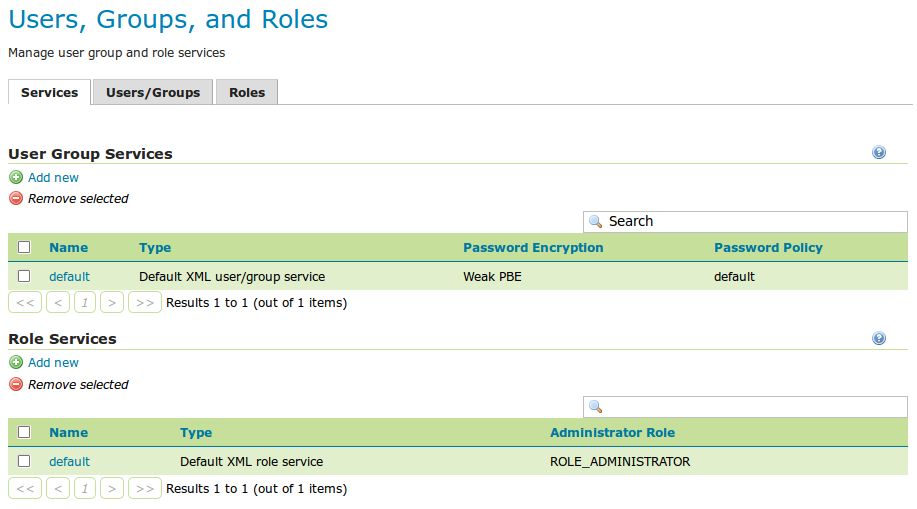
The initial password encryption setting for the default user/group service is WeakPBE, which is reversible. It is suggested to use Digest encryption in order to use not reversible password encryption.
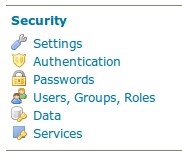
In Security section click on Users, Groups, Roles link
In the Users Groups Services section click on default link in the name coloumn.
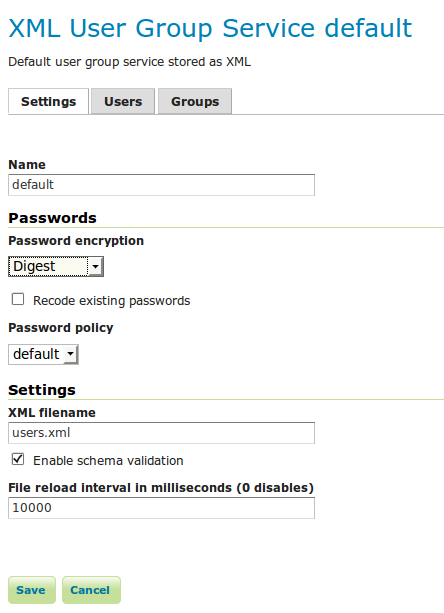
Then in the drop-down menu labelled Password encryption select Digest.
Finally click the Save button.
This is the suggested encryption settings also for other new groups.
The Master password is used to authenticate the root account and protect the access to the keystore. By default, the master password is geoserver. If you forgot the master password, you can ask GeoServer to write it down in plain text to a file of your choice. To do that:
In Security section click on Passwords link
Click on the Master password forgotten ? link
Provide a path complete filename into the File name text field and press the Dump to file button
The administrator should read this file and verify the master password by logging on GeoServer as the root user. After that the admin should delete this file.
The root account is a super user that is always active. Its purpose is to be used in order to handle severe misconfigurations that neither the admin can solve.
The keystore is a repository of security certificates used to restrict the access to the passwords, when those are encrypted in a reversible way.
In order to be able to use StrongPBE (Strong Password Based Encryption) you have to install some additional external policy JARs that support this form of encryption.
For example using the Oracle JVM, the admin has to install the Oracle JCE policy jars.