Loading Shapefile into GeoPackage
In this section you will use the OGR2OGR utility to create a GeoPackage layer starting from a shapefile.
ogr2ogr \
-s_srs EPSG:4326 \
-t_srs EPSG:3857 \
-f GPKG <output-file>.gpkg \
<input-file>.shp
Example
on Windows, open the
TRAINING_ROOTfolder and launch the ``OSGeo4W.bat` to open the GDAL shellMove to the user_data directory:
(Linux)
cd ${TRAINING_ROOT}/data/user_data directory

or

(Windows)
cd %TRAINING_ROOT%\data\user_data directory
Run:
ogr2ogr -s_srs EPSG:4326 -t_srs EPSG:3857 -nlt MULTIPOLYGON -f GPKG countries.gpkg ne_50m_admin_0_countries.shpWhere:
-s_srs: SRS of the source (shapefile)
-t_srs: SRS of the target (geopackage)
-nlt: define the geometry type for the layer. In this case we used MULTIPOLYGON because the shapefile contains bot POLYGONs and MULTIPOLYGONs geometry types.
-f: define the output format (GPKG)
<output>.gpkg: output path for the geopakage
<input>.shp: input path for the shapefile
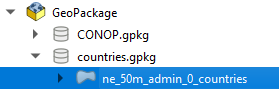
Check the GeoPackage with a GIS client (eg. QGIS):
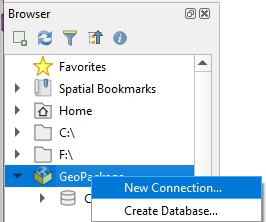
From the Browser panel right click the GeoPackage section and click “New connection…”
Browse the filesystem and select the created countries.gpkg database
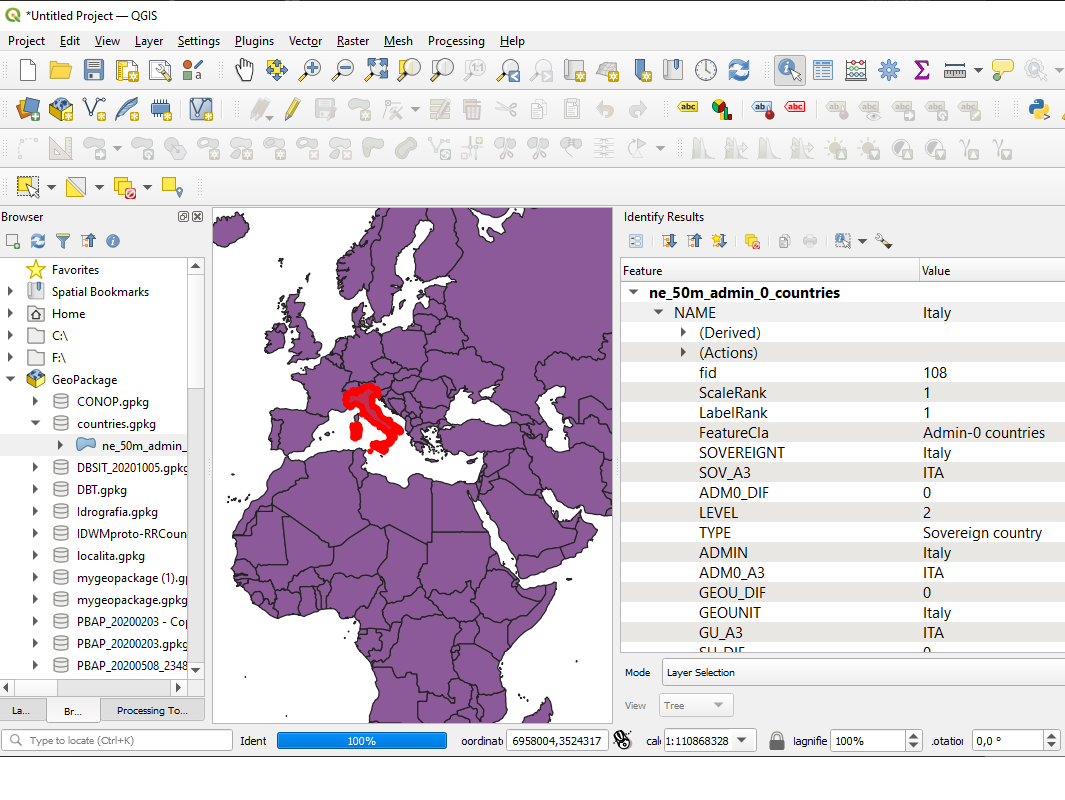
Add the layer named ne_50m_admin_0_countries into the Map canvas: