In this section we are going to capture some additional recommendations on how to best tune GeoWebCache with special focus on when it’s integrated with GeoServer.
First of all, using a tile oriented cache like GeoWebCache can greatly enhance throughput at runtime compared to pure WMS of 10 to 100 times, assuming tiles are already cached (whole layer pre-seeded), therefore when looking for performance (speed and throughput) tile caching is an obvious candidate for enhancement. It is, however, important to understand the limitations of tile oriented protocols:
Tile oriented maps means having clients working at fixed zoom levels and using a fixed grid as well as, potentially, a small set of coordinate reference systems and styles
Protocols supported are peculiar: WMTS, TMS, WMS-C, Google Maps/Earth, Virtual Earth
As usual the speed up you get is payed by the restrictions on the degrees of freedom that the protocols you expose offer the target clients.
As a rule of thumb tile caching, these hints are worth to keep in mind:
Tile caching is first class option for background layers.
Tile caching is always useful for static layers, i.e. layers that are not update often (once a week? once a month? once in a lifetime?)
Tile caching is always useful for simple layers, i.e. layers with no/few dynamic parameters (CQL filters, SLD params, SQL query params, time/elevation, format options)
Generally speaking, tile caching should be part of the plan for layers where:
Data doesn’t change frequently and/or where we can introduce a slight delay between the changes in the data and the changes in the cached content (e.g. to group changes in batches)
The rendering options are limited. Layers with complex filtering, many styling, multiple dimensions might become a nightmare for the cache since a cache is as useful once if it gets reused a lot between different requests. If chances that two different requests would hit the cache are low then you should not be caching.
Note
Caching is usually expensive so you should use it wisely. Caching involves writing to disk, keeping track of the age of the files as well as of the size of the cache and so on: it needs resources, therefore we need to make sure its impact is positive, everything considered.
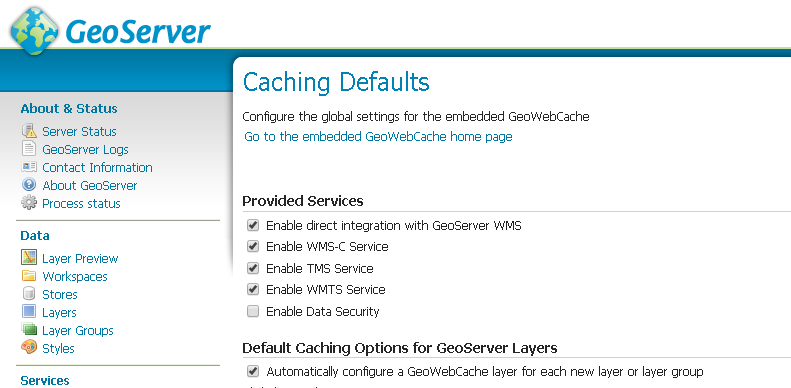
GeoWebCache can be used either standalone or integrated with GeoServer. GeoServer ships by default with GeoWebCache deployed into it but the direct integration is not activated by default and needs to be activated as shown below from the Caching Default subsection under the Tile Caching section.
Once the direct integration is activated and a client sends a WMS request to GeoServer that is cacheable according to the GeoWebCache setup (i.e. request aligned to the gridset, proper style, proper params, etc..) GeoServer will pass this request to GeoWebCache for serving a cached tile if and only if the client has added the TILED=TRUE key-value-pair to the request.
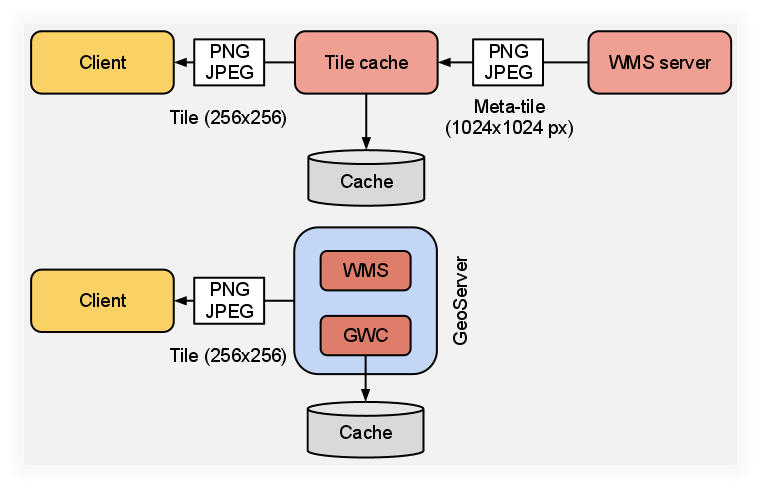
Ok, but why using the integrated GeoWebCache is interesting? Well, it is simple, there is no double encoding when using meta-tiling which means faster cache creation times; this happens because, as shown below, the integrated GeoWebCache taps directly into the GeoServer rendering chain and there is less encodings before writing to disk. Encoding can be the most expensive step for most use cases.
As mentioned above, caching comes with a cost, actually more than one. One cost factor to take into consideration when designing a tile cache is the space we need for caching the data we want to cache, or at least the maximum amount of space that the cache we are setting up might take.
We used such a distinction since most part of the time we won’t seed entirely the cache for a layer upfront but we will simply cache the landing areas and zoom levels and we will leave the cache grow lazily at runtime (this is a cost factor which is often forgotten).
Anyway, if you need help in estimating how much space a cache would need we have set up a spreadsheet which you can use to perform space oocupation estimates, you can find it here
The space required for the cache, especially on layers with many parameters combinations (CRS or gridset, Style, CQL_FILTER and so on) can grow exponential since for any combination of the available parameters we will have to build a different cache.
Assuming you have taken this into account and you are still willing to use a cache, you don’t need to make sure you have the whole space available upfront but you can set up disk quota and have GeoServer make sure it will not use too much space (see the relative section in this material).
When we talk about GeoWebCache we are usually considering only server side caching, i.e. render a tile, save it on disk and send it every time a client requests it. Well there is more and that is client-side caching of tiles.
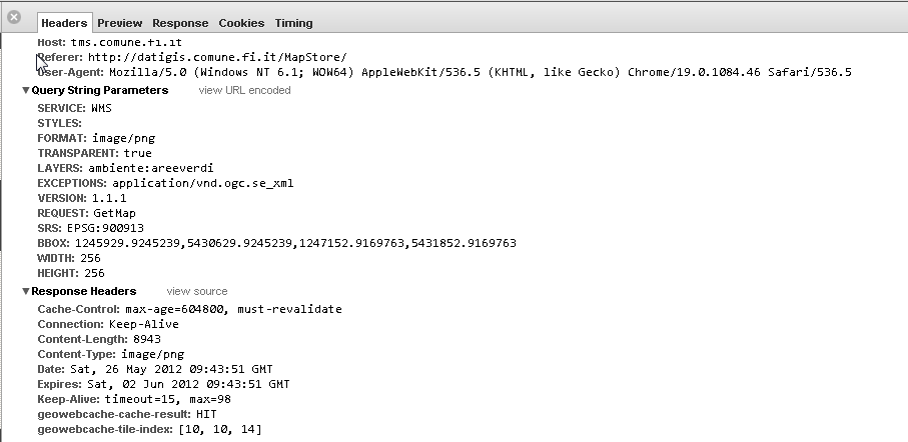
Once the tile has been cached on the server and tranfered to the client there is no point for the client in asking that specific tile once again unless its content has changed.
Note
Client-Side Caching does not work with browsers in private mode.
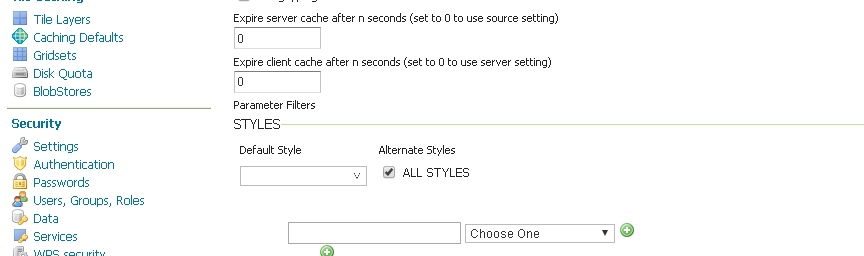
To send Caching-Headers to the requesting client one could set the expiration header value zoom dependent in the geowebcache.xml:
It is important to use the right formats for the cache:
JPEG for background raster data (e.g. orthos) since you won’t need transparency
PNG8 + precomputed palette for background vector data (e.g. osm)
PNG8 full for overlays with transparency
The format impacts also the disk space needed! (as well as the generation time) so evaluate it carefully
For a detailed list of things to look at for tweaking GeoWebCache (most of them applies to the standalone version but it is worth knowing them anyway), you can refer to this blog post.
The following section compares GeoServer WMS with GeoWebCache fullWMS support. FullWMS is a new feature which allows GeoWebCache to act as a WMS endpoint, like GeoServer.
Using GeoWebCache, the server is able to cache the requested tiles in order to return them faster then GeoServer.
This example will show how to configure GeoWebCache with fullWMS support and how the performances are improved.
Go to $TRAINING_ROOT/data/jmeter_data ( %TRAINING_ROOT%\data\jmeter_data if you are on Windows ) and copy the file template.jmx file into gwc.jmx
From the training root, on the command line, run jmeter.bat (or jmeter.sh if you’re on Linux) to start JMeter
On the top left go to File –> Open and search for the new jmx file copied
Disable all the Thread Groups except for 8
Disable the Content-Type Check
In the CSVDataSetConfig element, modify the path of the CSV file by setting the path for the file gwc.csv in the $TRAINING_ROOT/data/jmeter_data ( or %TRAINING_ROOT%\data\jmeter_data on Windows ) directory
In the HTTP Request Default element modify the following parameters:
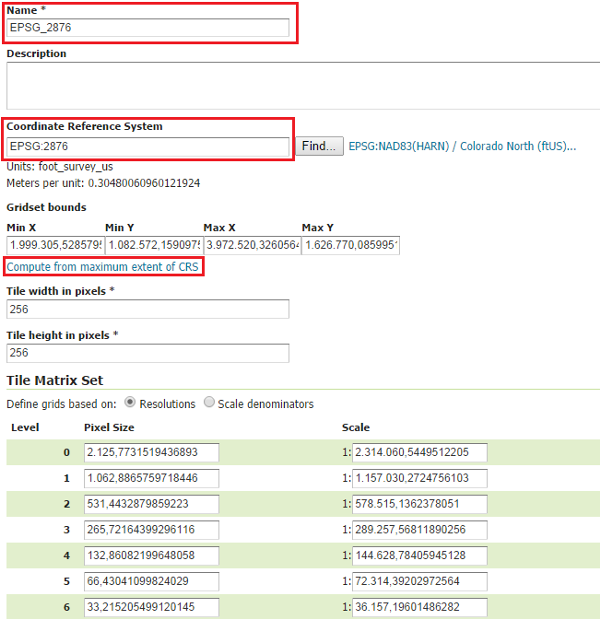
Go to $TRAINING_ROOT/geoserver_data/gwc/geowebcache.xml ( %TRAINING_ROOT%\geoserver_data\gwc\geowebcache.xml on Windows ) and add the following snippet:
Setting fullWMS to true allows GeoWebCache to use fullWMS support
Restart GeoServer
On the JMeter HTTP Request Default panel, change the Path from geoserver/ows to geoserver/gwc/service/wms in order to execute WMS requests directly to GeoWebCache, without passing from GeoServer
Add a new parameter called hints which can have 3 values speed, default and quality. The first one should be used for having a faster response without concerning about image quality; the last one, instead, is slower but with a better quality; the second one is a good trade off between them. For the first test set hints to speed.
Run the test
Note
At the first run, the throughput should be lower than that of GeoServer, because GeoWebCache has spent much time on generating the cached tiles.
Remove the result from JMeter by clicking on Run –> Clear All on the menu
Run the same test again.
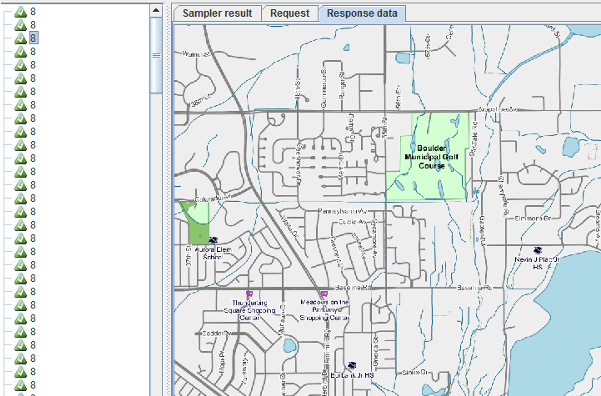
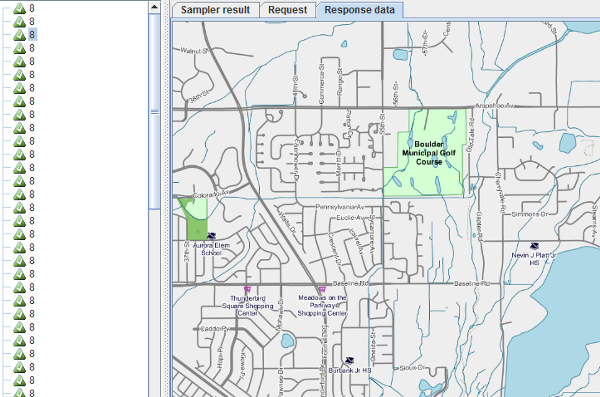
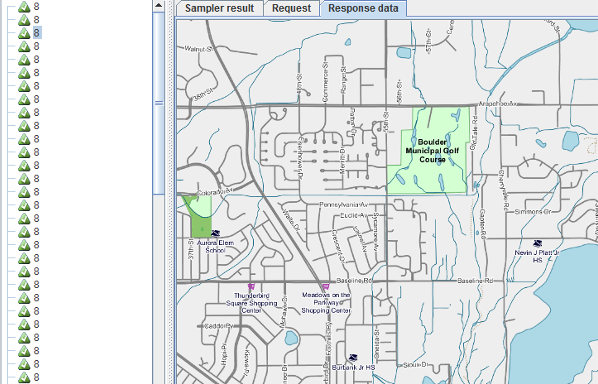
Now the throughput should be improved, because GeoWebCache have already generated the tiles to cache and can reuse them. Image quality should be very poor because of the hints=speed configuration.